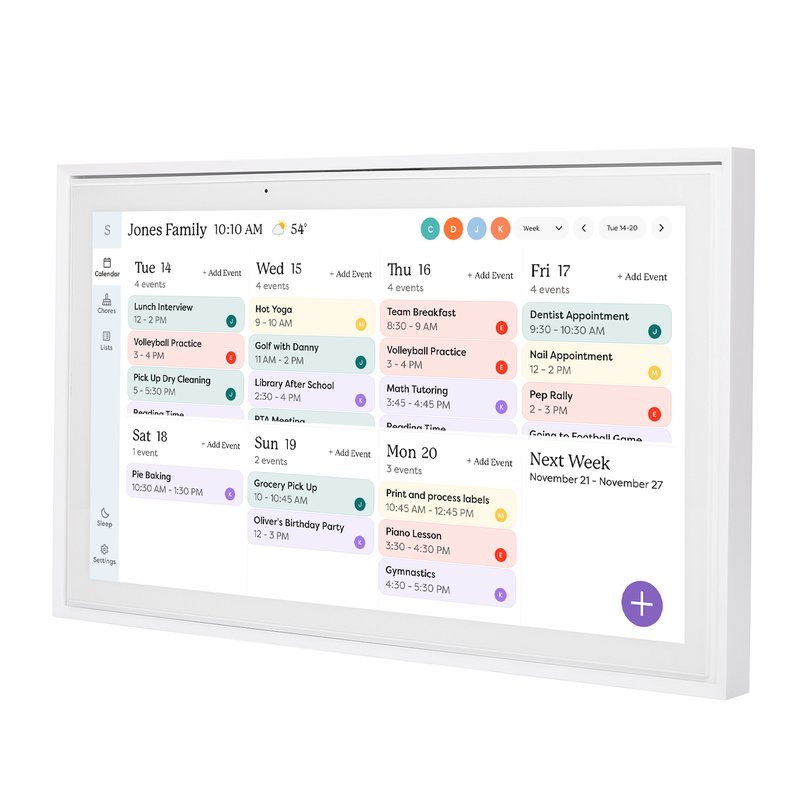
yes root photo-frame Skylight d156 Skylight Calendar 15in, B0C9V811L6 Skylight Calendar 15inB0C9V811L6
Difficulty
Easy
Brick risk
Low
Legal risk
Low
Depends on firmware. One owner of a 2025 unit couldn't get root. Check that Settings shows a userdebug build first.
How-to
Notes
Not locked.
Firmware-dependent: skylightOS user builds have no ADB without hidden menu + boot patch.
Lawnchair launcher replacement documented on XDA.
XDA thread 4766127: plarser48 guide for Skylight Calendar 15" (non-Max), firmware D156.V1.4, userdebug, adb root = uid=0. Independent of Wes Bos's D156 doc.